HopGrid
Offer a Ride(not available yet)Open HopGrid(not available yet)
Car and bike pooling

Your commute.
Shared.

Find a ride with people already going your way, or offer the empty seats in your car or on your bike. You pay for your own part of the journey, worked out from the distance.

Open HopGrid(not available yet)How it works
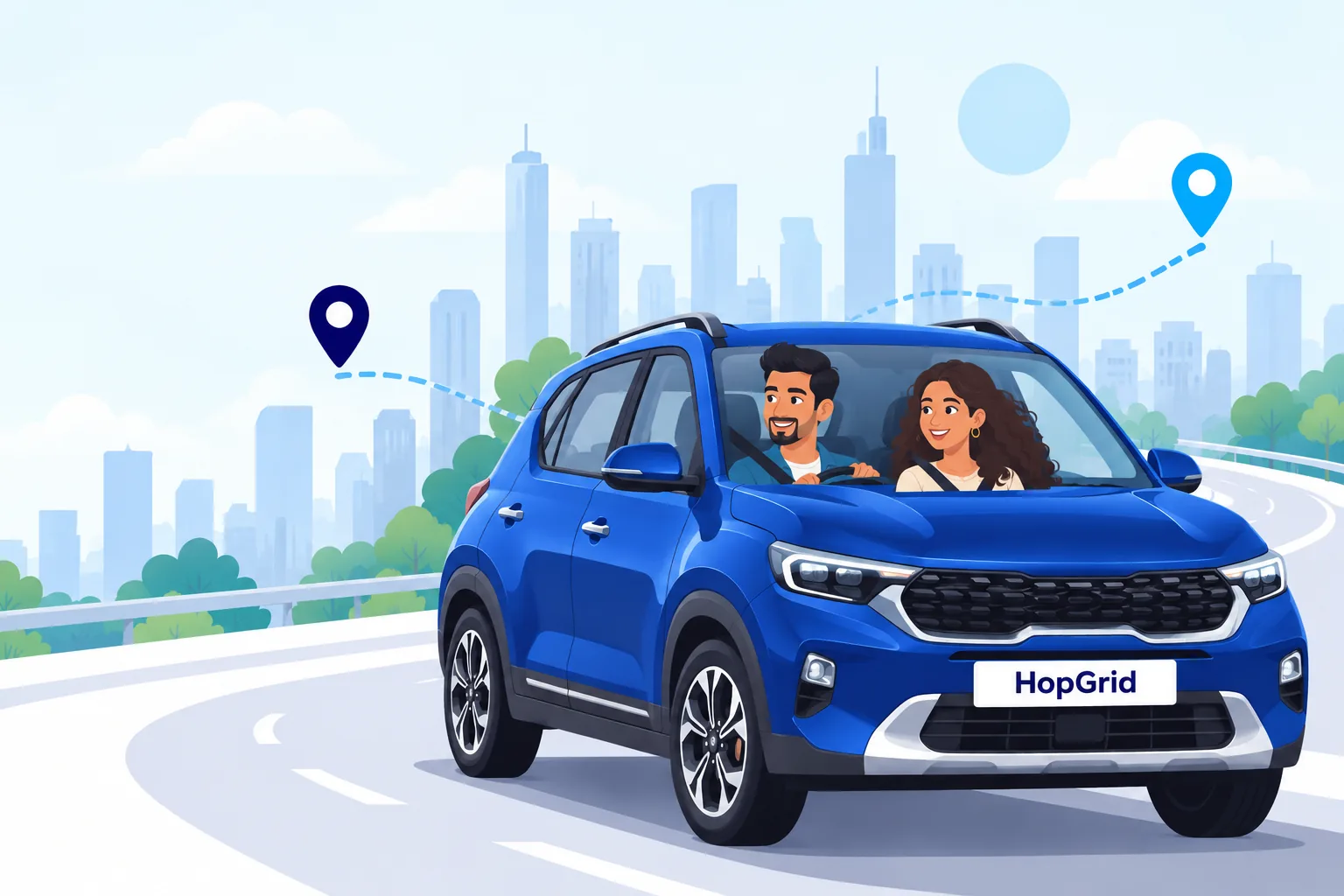
Illustration of a driver and a passenger sharing a blue SUV on a city road, with a dotted route between two map pins

Why HopGrid

  • Pay for your part

    Your fare covers your own distance, shown before you ask.

  • Licence-verified drivers

    Every driver’s licence is checked by a person.

  • Women drivers only

    An optional filter for women, never relaxed.

  • Fewer empty seats

    Seats already on the road, put to use.

How it works

A simple way to commute together

Three steps from your trip to your seat. Everything happens in the HopGrid app.

  1. Step 1: Tell us your trip

    Search with where you are going and when, or request a ride and let HopGrid keep looking for you.

  2. Step 2: Pick a ride and ask for a seat

    See the driver, the route and your own fare. Send a request; the driver accepts or declines it.

  3. Step 3: Travel together

    Pay by UPI once accepted, give the driver your boarding OTP, and follow the ride on the map.

Why HopGrid

Made for the trips you take every day

Clear, distance-based fares

The driving distance between your own pickup and drop, times a rate for the kind of vehicle, with a minimum fare for short trips. The fare, the service fee and the total are shown before you ask for a seat.
It keeps looking for you

Nobody going your way yet? Request a ride. HopGrid keeps looking and tells you when a ride that fits is offered.

One account, both ways

Ride as a passenger today and offer your seats tomorrow. Repeat a trip you take often in a couple of taps, always confirmed by you.

Know what is happening

Answers to your requests, payments, refunds and a reminder before your ride leaves, in one place in the app.
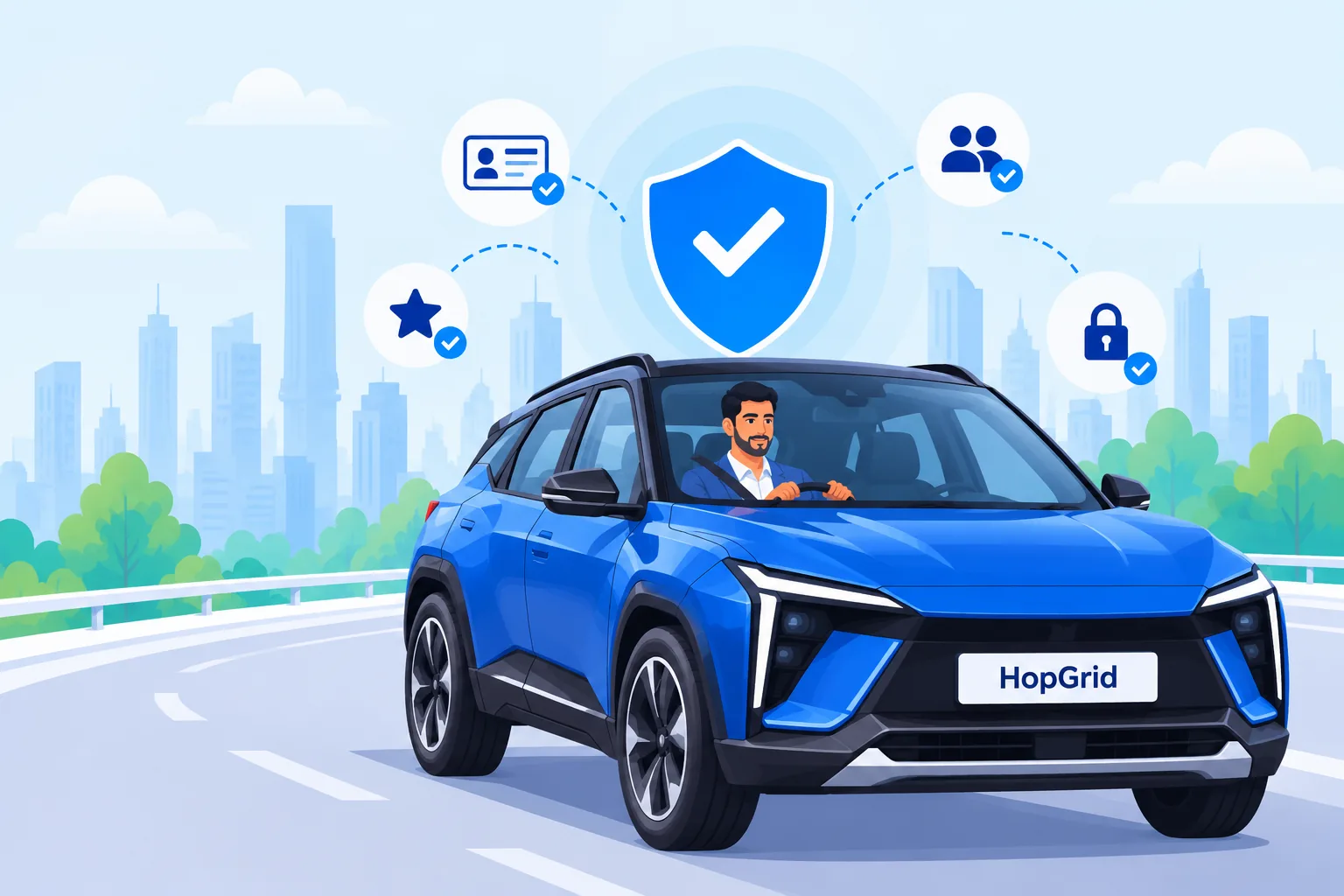
Illustration of a driver in a blue SUV on a city road, under a shield with a tick and icons for a licence, ratings, people and a lock
Trust and safety

Travel with people you can learn about first

What HopGrid does to help you decide who to travel with, and what to do if something goes wrong.

  • Licence-verified drivers

    Only people whose driving licence a HopGrid reviewer has approved, and that has not expired, can offer rides. Their card says "Licence verified".

  • Verified accounts and real trip counts

    "Verified account" means the email and mobile number are verified. Cards also show how many rides a driver has completed with passengers who boarded. Nothing is shown when a fact is not there.

  • Ratings both ways

    After a ride you boarded, you rate the driver and the driver rates you, once each. Reviews that break the rules can be reported, and support can hide them.

  • "Women drivers only" filter

    Women can choose to see only drivers whose profile says female. The filter is never relaxed to show more rides.

  • Your number stays private

    Other people never see your phone number or email. You talk to the people on your ride through the in-app chat.

All safety features

Continue in the HopGrid app

Finding, booking and offering rides happen in the app. Sign in with Google and pick up where you are going.

Open HopGrid(not available yet)

HopGrid works in your web browser. App store versions are not published yet.