
Travel together with more to go on
What HopGrid does to help you decide who to travel with, and what to do if something goes wrong. Each feature below is in the app today.
In an emergency, call 112
HopGrid does not call the police, an ambulance or your contacts for you. Call 112 straight away, then report what happened from the ride in the app.
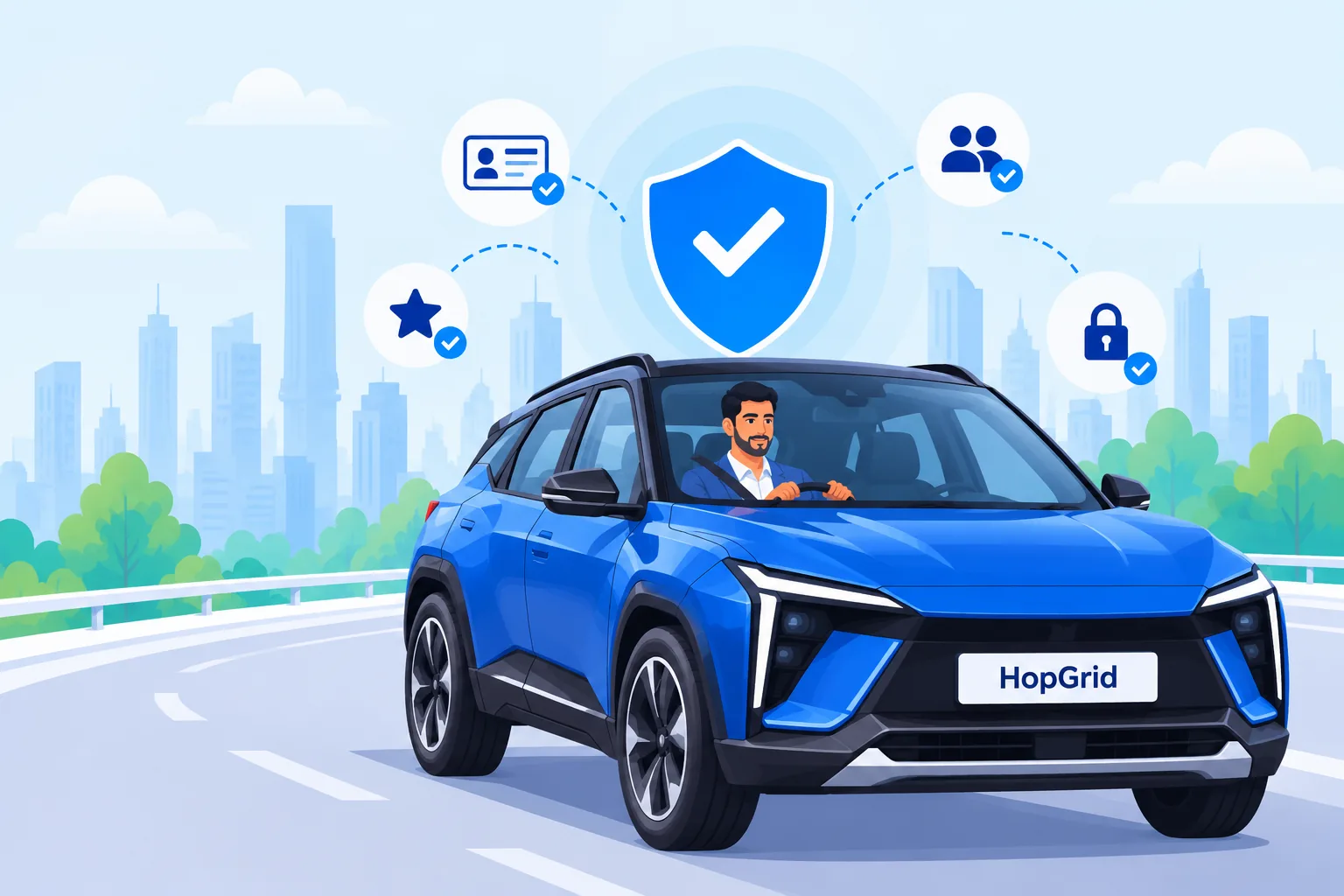
What is in the app today
Licence-verified drivers
Only people whose driving licence a HopGrid reviewer has approved, and that has not expired, can offer rides. Their card says "Licence verified".
Verified accounts and real trip counts
"Verified account" means the email and mobile number are verified. Cards also show how many rides a driver has completed with passengers who boarded. Nothing is shown when a fact is not there.
Ratings both ways
After a ride you boarded, you rate the driver and the driver rates you, once each. Reviews that break the rules can be reported, and support can hide them.
"Women drivers only" filter
Women can choose to see only drivers whose profile says female. The filter is never relaxed to show more rides.
Your number stays private
Other people never see your phone number or email. You talk to the people on your ride through the in-app chat.
Boarding OTP
A code on your booking that you give the driver when you get in. The driver enters it to confirm you boarded; it is checked by HopGrid, never shown to anyone else.
Live tracking and trip sharing
The people on a ride can follow it on the map from 30 minutes before it leaves until shortly after it arrives. Share a tracking link with someone you trust; it stops working when tracking ends.
Report, block, SOS
Report an incident or a problem from the ride; a person reviews every report. Block someone so you no longer see each other’s rides. SOS records an alert for review. It does not call anyone: in an emergency, call 112.
If something goes wrong
Open the ride in the app. Every report is read by a person before anything is decided.
- Unsafe? Leave if you can and call 112. Do not travel if you feel unsafe.
- Safety → Report an incident for anything that felt unsafe: driving, behaviour, alcohol, the vehicle.
- Report a problem for a no-show, wrong ride details, behaviour or a payment issue.
- Block the other person if you no longer want to travel with them. Rides you already share stay booked; cancel them as usual if you wish.
HopGrid connects people going the same way; it does not drive, own or inspect vehicles, and cannot promise how a ride or a person will be. Use your judgement, travel only on rides booked in the app, and read the Terms and the safety answers in the FAQ.