HopGrid
Offer a Ride(not available yet)Open HopGrid(not available yet)
How It Works

Share the trips you already make

People driving somewhere share their free seats with others going the same way. One account does both: ride today, drive tomorrow.

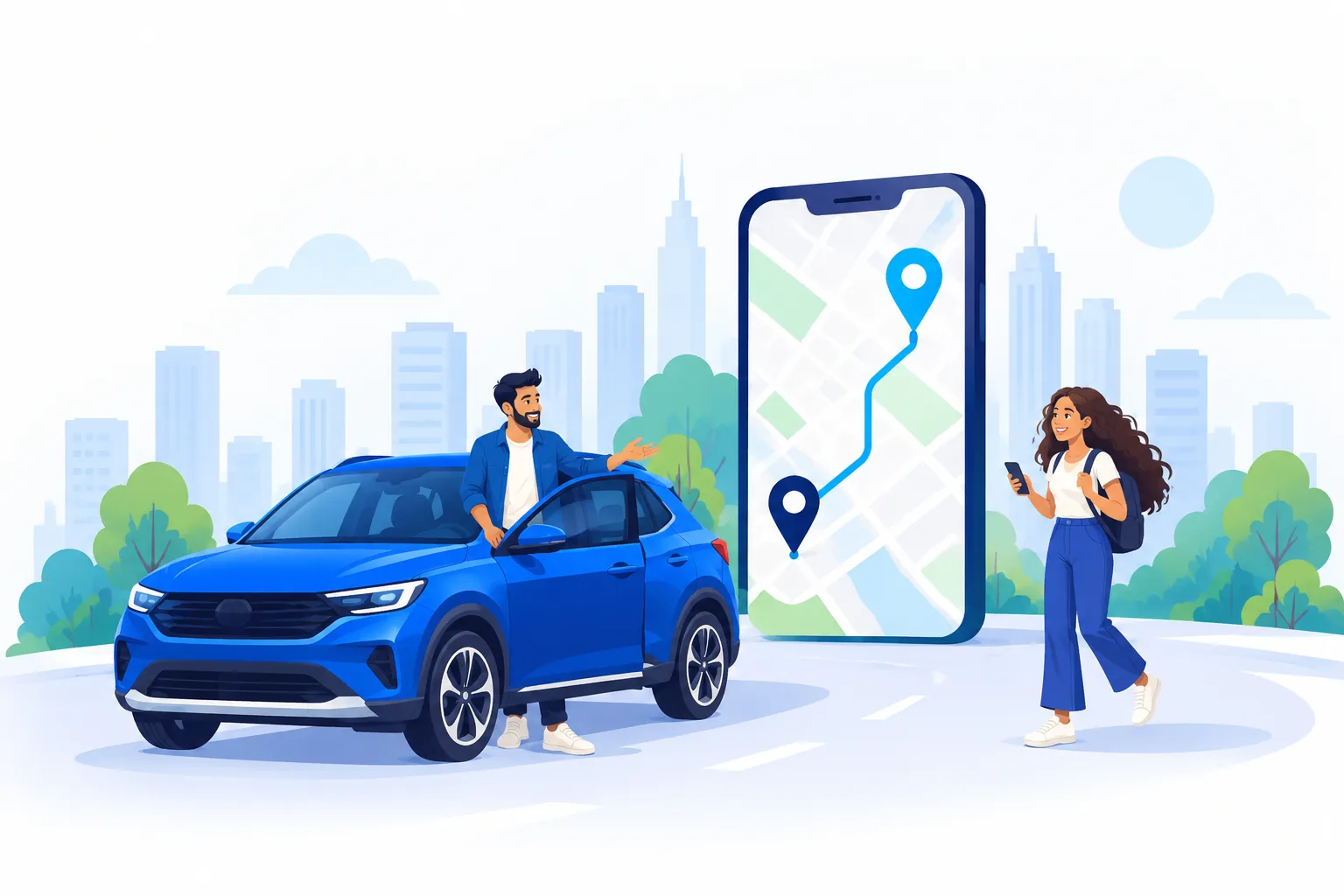
Illustration of a driver by a blue SUV waving to a passenger walking up with her phone, beside a large phone map showing their route
For passengers

Find a ride in three steps

  1. Step 1: Search, or request a ride

    Search with your pickup, drop and time. If nobody is going your way yet, request a ride and HopGrid tells you when one that fits is offered.

  2. Step 2: Ask for a seat

    Open a ride to see the driver, the route and your fare, then send a request. No seat is held and nothing is paid until the driver accepts.

  3. Step 3: Pay, board and go

    Once accepted, pay by UPI. Give the driver your boarding OTP when you get in, and follow the ride on the map.

Find a ride(not available yet)
For drivers

Offer the seats you are not using

  1. Step 1: Get verified

    Add your vehicle and upload your driving licence. A person reviews the licence; until then you can still ride as a passenger.

  2. Step 2: Offer a ride

    Choose your route, time, vehicle and free seats. You do not set a price: the fare is worked out from the distance and the kind of vehicle.

  3. Step 3: Accept your passengers

    Accept or decline each request before the deadline (10 minutes before you leave). Check each passenger’s boarding OTP when they get in.

Offer a ride(not available yet)
Fares

What you pay, and why

Every amount is worked out by HopGrid and shown before you ask for a seat. Nobody types a price.

Your distance

The driving distance between your own pickup and drop, not the driver’s whole route.

The kind of vehicle

A rate per kilometre for the kind of vehicle, with a minimum fare for short trips.

A service fee, shown apart

Added once to each booking and shown on its own line. The total is your fare plus the fee.

Cancelling

Cancel before the ride leaves. After acceptance and payment, 50% of the fare comes back; the service fee does not. If the driver cancels, everything comes back.

The full rules are in the Cancellation and Refund Policy.

On the day

Stay in the loop

Updates and reminders

Answers to requests, payments, refunds and a reminder before the ride leaves appear in the app. You choose which are pushed to your device.

Follow the ride

From 30 minutes before departure, the people on the ride can follow it on the map.

Share your trip

Send a tracking link to someone you trust. It stops working when tracking ends.

Chat in the app

Talk to the people on your ride without sharing phone numbers.

Continue in the HopGrid app

Finding, booking and offering rides happen in the app. Sign in with Google and pick up where you are going.

Open HopGrid(not available yet)

HopGrid works in your web browser. App store versions are not published yet.